Save your links
in one place.
A TikTok, a Reel, a tweet, an article. Tap Share, pick a list, done.

Free, no account needed.

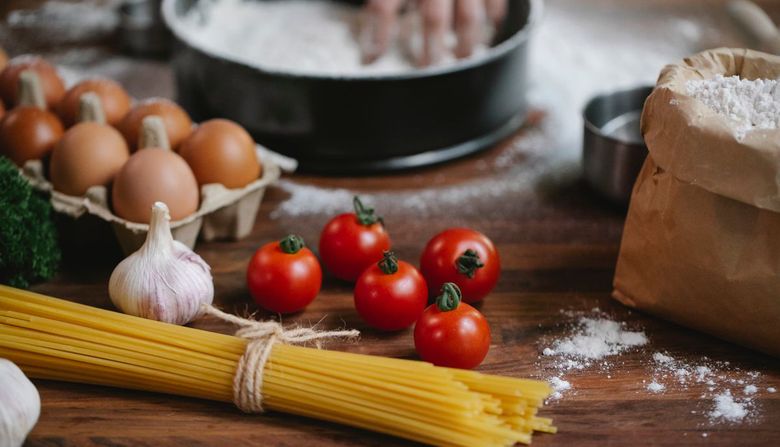




Keep it, find it, share it.
No settings, no manual. Maark slips into the Share button you already use.
Keep it in one tap
From Instagram, TikTok, YouTube, Safari or any other app: Share, then Maark. Pick the list, it's filed.
 Alfama, terrace overlooking the Tagus2 bedrooms · 4 guests
 Time Out Lisbon: the 50 must-dosThe 2026 ranking
 Pastéis de Belém: worth the queue?A recipe kept secret since 1837
Find it without searching
Every link keeps its title and image, in the list where you put it. Recipes, trips, things to read or watch: everything has its place.
Done, setting a reminder to book it tonight
Go for it, the dates are free!
Share it with your people
Invite someone to a list: everyone adds their finds, reacts and comments. No more links lost in a group chat.
A list for everything you're into, alone or together.
The future flat with your partner, the weekend with friends, Christmas presents with family. Your lists stay private, and you choose who to share them with. When they pile up, file them in folders.
And ready-made lists to find ideas.
Great places, games, walks. Follow a list and its new finds arrive on their own.
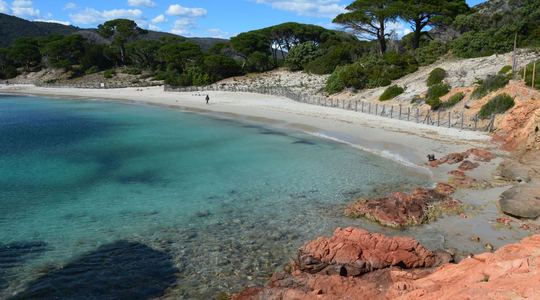 Stunning beaches without a long hike
Maark · 11 links · in French
Stunning beaches without a long hike
Maark · 11 links · in French
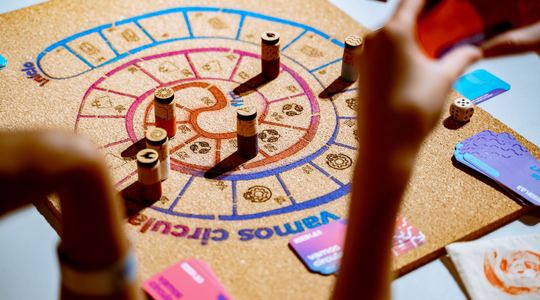 Easy board games for friends
Maark · 9 links · in French
Easy board games for friends
Maark · 9 links · in French
 A really good canelé in Bordeaux
Maark · 7 links · in French
A really good canelé in Bordeaux
Maark · 7 links · in French
 Places in France that feel like abroad
Maark · 8 links · in French
Places in France that feel like abroad
Maark · 8 links · in French
On your computer too.
The Maark extension files the page you're reading in one click, without leaving your browser. Same lists as on your phone.
Also works on Edge, Brave, Opera and Arc. No extension at hand? Your lists are waiting in the web version.
Frequently asked questions
Why not just my bookmarks or Instagram saves?
Because your finds end up scattered: some in Instagram, some in TikTok, in your browser bookmarks, deep in a chat. Maark brings them together in one place, sorted into lists, and you can share them with whoever you want, whatever app they came from.
Is Maark free?
Yes, Maark is free to start and for everyday use, no account required. Paid options may come later for heavy use, without taking away anything you already use.
Do I need an account?
No. The app works as soon as you open it. Creating an account (email, Google or Apple) is mainly there so you can get your lists back if you change phones, and share them with others.
How do I save a link?
From any app, tap Share and pick Maark. The link lands in the list you choose, with its title and preview fetched automatically.
Can other people see my lists?
No. Everything is private by default. A list is only shared with the people you invite, and only becomes public if you choose to publish it.
Which apps does it work with?
Any app with a Share button: Instagram, TikTok, YouTube, Safari, Chrome, WhatsApp and the rest. On your computer, the Chrome or Firefox extension does the same from the page you're reading.
Does it work offline?
Yes. Your lists are kept on your phone, and a link shared without a connection is set aside and added as soon as you're back online.
What do you do with my data?
Only what the app needs to work, hosted in France. No ads, no selling, no tracking, and usage statistics only if you turn them on. Everything is spelled out in the privacy policy.
Which platforms are supported?
On iPhone and Android, plus Chrome and Firefox extensions. The Chrome extension also installs on Edge, Brave, Opera and Arc. On your computer, your lists are waiting in the web app.
Mark your first link.
Free, no account, hosted in France.
Shall we book this one?? That terrace 😍